Why a Checklist Matters
An HOA annual meeting involves legal requirements, financial reporting, elections, and community decisions. Miss a single notice deadline and the entire meeting can be challenged. Forget to document quorum and the election results are voidable.
This checklist covers every step from 90 days before the meeting through post-meeting follow-up. Use it as-is or adapt it to your association's specific bylaws and state requirements.
90 Days Before the Meeting
Review Governing Documents
- [ ] Read your CC&Rs, bylaws, and state statute to confirm:
- Annual meeting timing requirements (many bylaws specify a month or quarter)
- Notice requirements (number of days, delivery method)
- Quorum threshold
- Board seats up for election this year
- Any special business requiring member approval this year
- [ ] Check term expirations: Identify which board seats expire and need election. Most boards use staggered 2-3 year terms, so only a portion of seats are up each year.
- [ ] Review last year's meeting minutes for any unfinished business that should carry forward to this year's agenda.
Form the Nominating Committee
- [ ] Appoint a nominating committee (if required by bylaws). Typical composition: 2-3 board members + 1-2 non-board homeowners.
- [ ] Announce the open seats to the community via email, newsletter, or posting. Include:
- Number of seats available
- Term lengths
- Deadline for self-nominations or candidate submissions
- Basic eligibility requirements (homeowner in good standing, no outstanding violations or unpaid assessments)
- [ ] Recruit candidates. Don't wait for volunteers, proactively reach out to engaged homeowners. The best board members are often people who need to be asked.
60 Days Before the Meeting
Lock the Logistics
- [ ] Reserve the meeting location. Common options:
- Community clubhouse or common area
- Local library meeting room
- Church or school meeting space
- If hosting virtually or hybrid: set up the video conferencing platform
- [ ] Confirm the date and time. Best practices:
- Tuesday, Wednesday, or Thursday evening (6:30-7:00 PM start)
- Avoid holidays, school breaks, and community event conflicts
- Check that the location is available for the full duration (plan for 90-120 minutes)
- [ ] Prepare the annual financial report. This should include:
- Year-end financial statements (income, expenses, net position)
- Reserve fund status and contribution schedule
- Any delinquent assessment totals (aggregate, not individual names)
- Proposed budget for the coming year
- Any planned special assessments or fee increases
Finalize the Candidate Slate
- [ ] Close nominations by the deadline communicated to members.
- [ ] Verify candidate eligibility: Each candidate must be:
- A homeowner (or authorized representative) in the community
- Current on assessments (no delinquencies)
- Not in active violation status (check with management company)
- Meeting any other bylaw-specific requirements
- [ ] Collect candidate statements (150-300 words each) and photos if desired. These will be included in the meeting notice and/or posted to the community portal.
30 Days Before the Meeting (Official Notice)
Send the Meeting Notice
Most states require 10-30 days notice before the annual meeting. Best practice is to send the official notice at 30 days regardless of your state's minimum.
- [ ] Prepare the notice package containing:
- Date, time, and location of the meeting
- Meeting agenda (see template below)
- Candidate bios and statements for each open seat
- Financial summary or full annual report
- Proxy form (if your state and bylaws allow proxies)
- Ballot or voting instructions for electronic voting
- Instructions for joining remotely (if applicable)
- [ ] Send via all required methods. Check your bylaws, many require first-class mail. Best practice:
- First-class mail to every unit's address of record
- Email to every homeowner with an email on file
- Post in the community common area (bulletin board, lobby)
- [ ] Record proof of notice. Keep a copy of the notice, the mailing list, and the date sent. If using email, export delivery confirmations. This documentation is your defense if the meeting is challenged.
Set Up Electronic Voting (If Used)
- [ ] Create the election on your voting platform
- [ ] Upload the voter roll with eligible homeowners
- [ ] Design the ballot with candidates and any member votes (budget approval, bylaw amendments)
- [ ] Set the voting window to open when notices are delivered and close at the meeting (or a specified date)
- [ ] Test the voting link with a board member before sending to the full membership
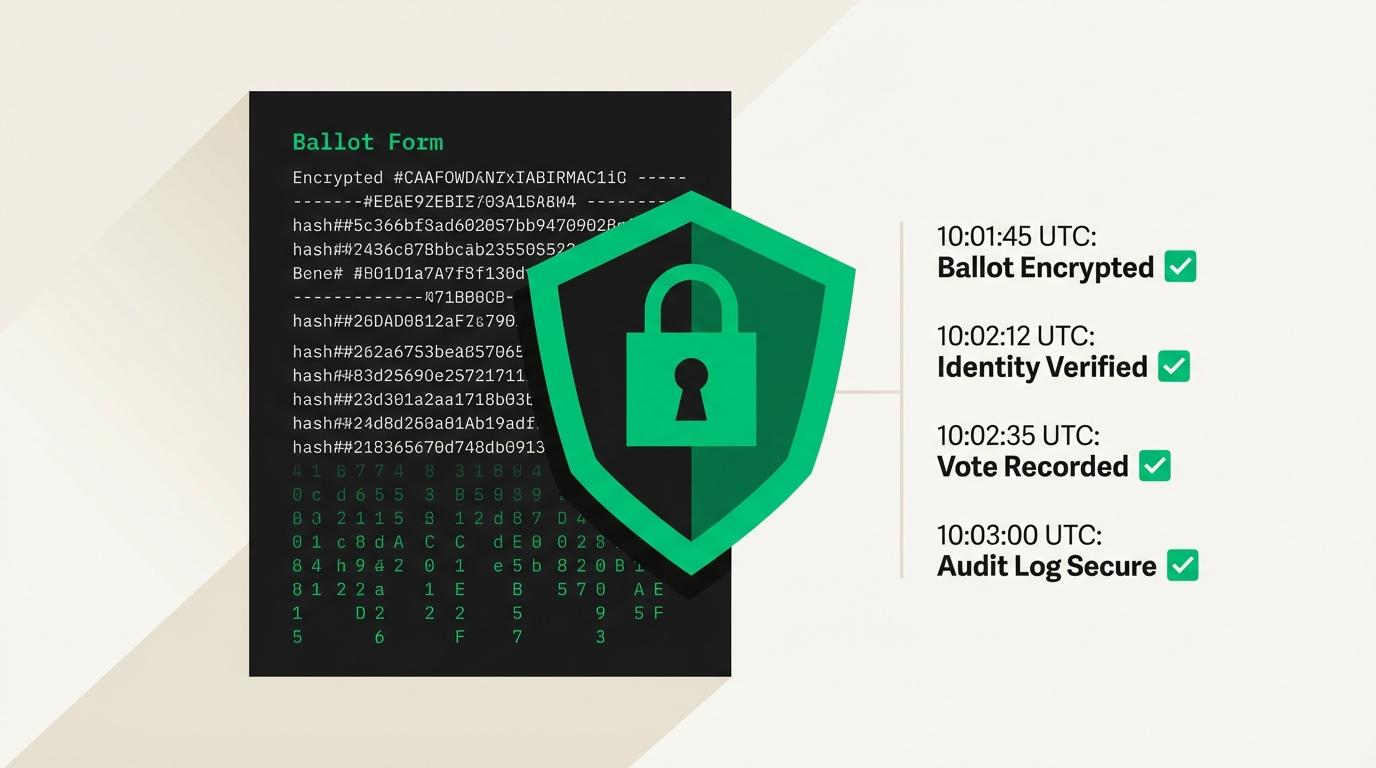
On vote.direct, election setup takes about 15 minutes: upload a CSV voter roster, add candidates and questions, set the verification level, and launch.
14 Days Before the Meeting
Send Reminder #1
- [ ] Email reminder to all homeowners with:
- Meeting date, time, location
- "Your vote matters" messaging, explain what's at stake (board seats, budget, assessments)
- Direct link to electronic ballot (if applicable)
- Proxy form reminder for those who can't attend
- [ ] Check participation. If using digital voting, check the dashboard:
- How many votes have been cast so far?
- Are you on track for quorum?
- Which voters haven't opened their ballot email?
7 Days Before the Meeting
Send Reminder #2
- [ ] Second email reminder with stronger urgency:
- Current participation rate ("We need X more votes to reach quorum")
- Direct link to vote
- Proxy deadline reminder (typically 48-72 hours before the meeting)
Prepare Meeting Materials
- [ ] Print agendas for in-person attendees (2x the number you expect)
- [ ] Print sign-in sheets with homeowner names pre-printed for quorum verification
- [ ] Prepare paper ballots for in-person voters (unless all voting is electronic)
- [ ] Print financial reports or have them available digitally
- [ ] Test A/V equipment if using projector or screens
- [ ] Arrange refreshments (optional but increases attendance, seriously)
Confirm Roles
- [ ] Presiding officer: Usually the board president. Runs the meeting per Robert's Rules.
- [ ] Secretary: Takes minutes. Can be the board secretary or a designated volunteer.
- [ ] Parliamentarian (optional): Advises on procedural questions. Helpful for contentious meetings.
- [ ] Tellers/inspectors of election: 2-3 people responsible for counting paper ballots and verifying the sign-in sheet. Should include at least one non-board member.
- [ ] Registration table volunteer: Checks in homeowners, verifies identity, distributes ballots and materials.
Be honest
What's actually stopping your organization from switching to online voting?
48 Hours Before the Meeting
Final Reminder
- [ ] Send final email reminder with:
- "Last chance to vote electronically before the meeting"
- Meeting logistics (parking, room location, call-in number)
- Proxy submission deadline if not already passed
- [ ] Review quorum status:
- If electronic votes already meet quorum: Excellent. The meeting can proceed regardless of in-person attendance.
- If quorum is close: Make targeted phone calls to non-voters. Personal calls are the most effective last-mile quorum strategy.
- If quorum is far off: Consider whether the meeting can proceed for discussion purposes even without quorum (some business can be deferred, but elections require quorum).
Day of the Meeting
Setup (60 Minutes Before)
- [ ] Arrive early to set up the room
- [ ] Arrange seating for expected attendance + 25%
- [ ] Set up registration table with sign-in sheets, ballots, and agendas
- [ ] Test microphone and projector
- [ ] Post directional signs if the venue is unfamiliar to members
- [ ] Set up refreshments
Running the Meeting
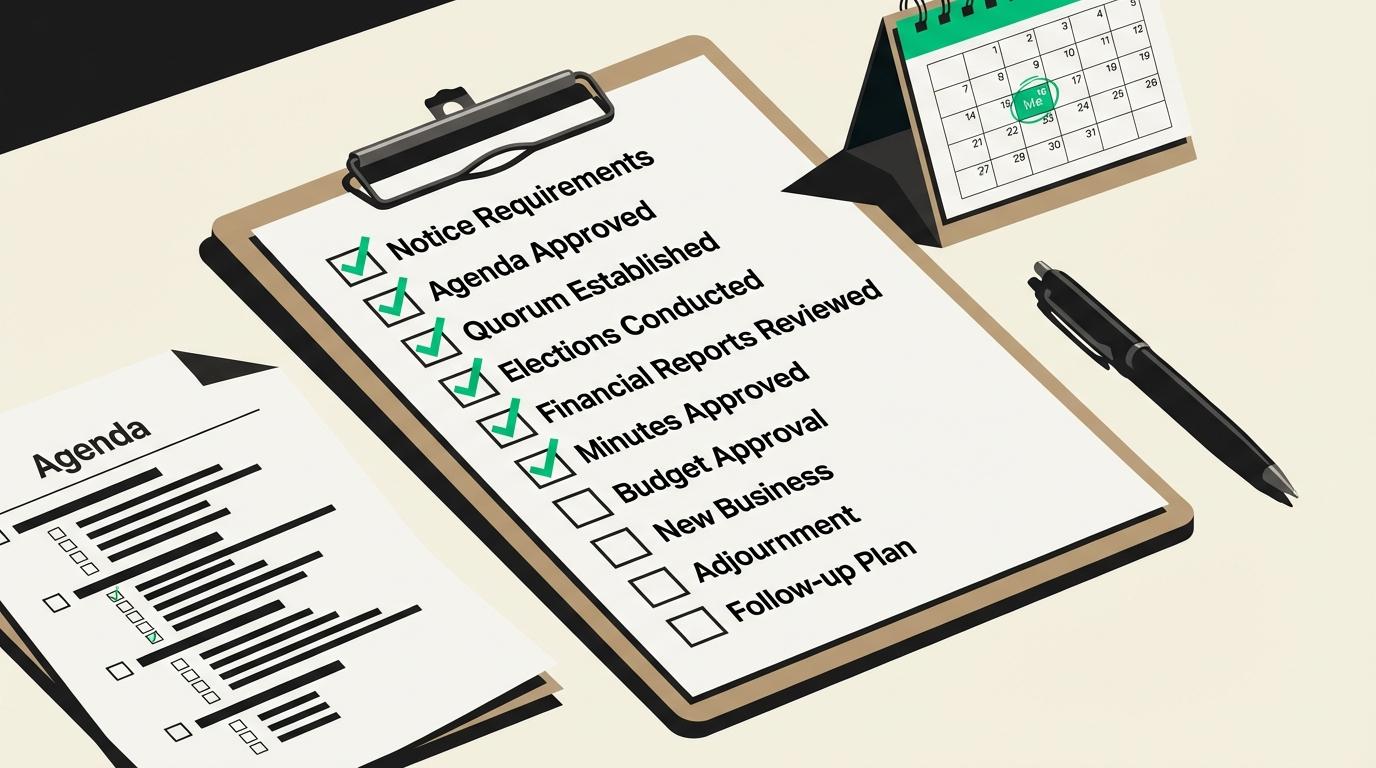
Follow this standard agenda:
1. Call to Order (2 minutes)
- President calls the meeting to order at the scheduled time
- Welcome homeowners, introduce board members and management
2. Establish Quorum (5 minutes)
- Count sign-ins and add electronic/proxy votes
- Secretary announces: "We have [X] homeowners present in person, [Y] voting electronically, and [Z] by proxy, for a total of [X+Y+Z] out of [total eligible]. Quorum of [threshold] is met/not met."
- If quorum is not met, the meeting can proceed for discussion purposes, but no binding votes can occur
3. Approve Previous Meeting Minutes (5 minutes)
- Minutes from last year's annual meeting distributed in advance
- Motion to approve, second, vote (voice vote is fine for this)
4. Financial Report (15-20 minutes)
- Treasurer presents year-end financial summary
- Review reserve fund status
- Present proposed budget for the coming year
- Open floor for financial questions
5. Committee Reports (10-15 minutes)
- Reports from active committees (architectural, landscape, social, etc.)
- Keep each to 3-5 minutes
6. Old Business (10 minutes)
- Address any unfinished business from prior meetings
7. New Business (15-20 minutes)
- Proposed bylaw amendments or rule changes
- Special assessment proposals
- Major project decisions
- Discussion followed by formal votes as needed
8. Board Election (15-20 minutes)
- Election chair presents the candidate slate
- Each candidate gives a brief statement (2-3 minutes)
- Open nominations from the floor (if bylaws allow)
- Collect in-person ballots (if not all electronic)
- If electronic voting window closes at the meeting, announce closure
- Tellers count and report results (or electronic results announced immediately)
9. Open Forum (15-20 minutes)
- Homeowners raise concerns, ask questions, provide feedback
- Board responds where possible, takes items under advisement where decisions can't be made immediately
10. Adjournment (2 minutes)
- Motion to adjourn, second, voice vote
- Announce next board meeting date
After the Meeting
Within 48 Hours
- [ ] Send election results to all homeowners via email
- [ ] Post results in common areas
- [ ] File new board member information with the management company and any required state agencies
Within 14 Days
- [ ] Distribute meeting minutes to all homeowners (draft minutes are fine, to be formally approved at the next meeting)
- [ ] Complete all record-keeping:
- Meeting minutes with attendance count
- Election certification with vote totals
- Sign-in sheets
- Proxy forms received
- Financial reports as presented
- Electronic voting audit trail (if applicable)
- [ ] Onboard new board members:
- Provide governing documents (CC&Rs, bylaws, rules and regulations)
- Schedule orientation with management company
- Add to board communication channels
- Set expectations for meeting attendance and committee participation
Long-Term Archiving
- [ ] Store all meeting records for at least 7 years (check state requirements, some require longer)
- [ ] Electronic records should be backed up in multiple locations
- [ ] Paper records should be stored in a secure, accessible location
Meeting Agenda Template
Copy and customize for your community:
[Community Name] Annual Meeting of Homeowners
Date: [Date] |Time: [Time] |Location: [Location]
- 1Call to Order
- 2Establishment of Quorum
- 3Approval of [Previous Year] Annual Meeting Minutes
- 4Financial Report and [Current Year] Budget Presentation
- 5Committee Reports
- 6Old Business
- [Item 1]
- [Item 2]
- 7New Business
- [Item 1]
- [Item 2]
- 8Election of Board of Directors ([Number] seats)
- 9Open Forum
- 10Adjournment
Simplify Your Next Annual Meeting
The most time-consuming part of an annual meeting is election logistics, printing ballots, counting votes, handling proxies, and documenting results. Vote.direct handles all of it electronically so your meeting can focus on governance.
This article is general information, not legal advice. We recommend you do your own research and confirm anything you plan to act on. Where this article states law, the section is cited so you can read the primary source yourself rather than take our word for it. That is what the citations are for. Election requirements also turn on your own governing documents, which we have not seen, and statutes are amended. For advice about your community, consult a qualified attorney licensed in your state.
We work hard to verify every citation against the primary source, but laws change and errors happen. If you spot an inaccuracy, email support@vote.direct and we will correct it. See our editorial standards for how these pages are researched and checked.