Why Organizations Are Moving Elections Online
Every year, thousands of HOAs, nonprofits, unions, cooperatives, and clubs hold elections. Historically, that meant reserving a room, printing paper ballots, recruiting volunteers to count votes, and hoping enough members showed up to reach quorum.
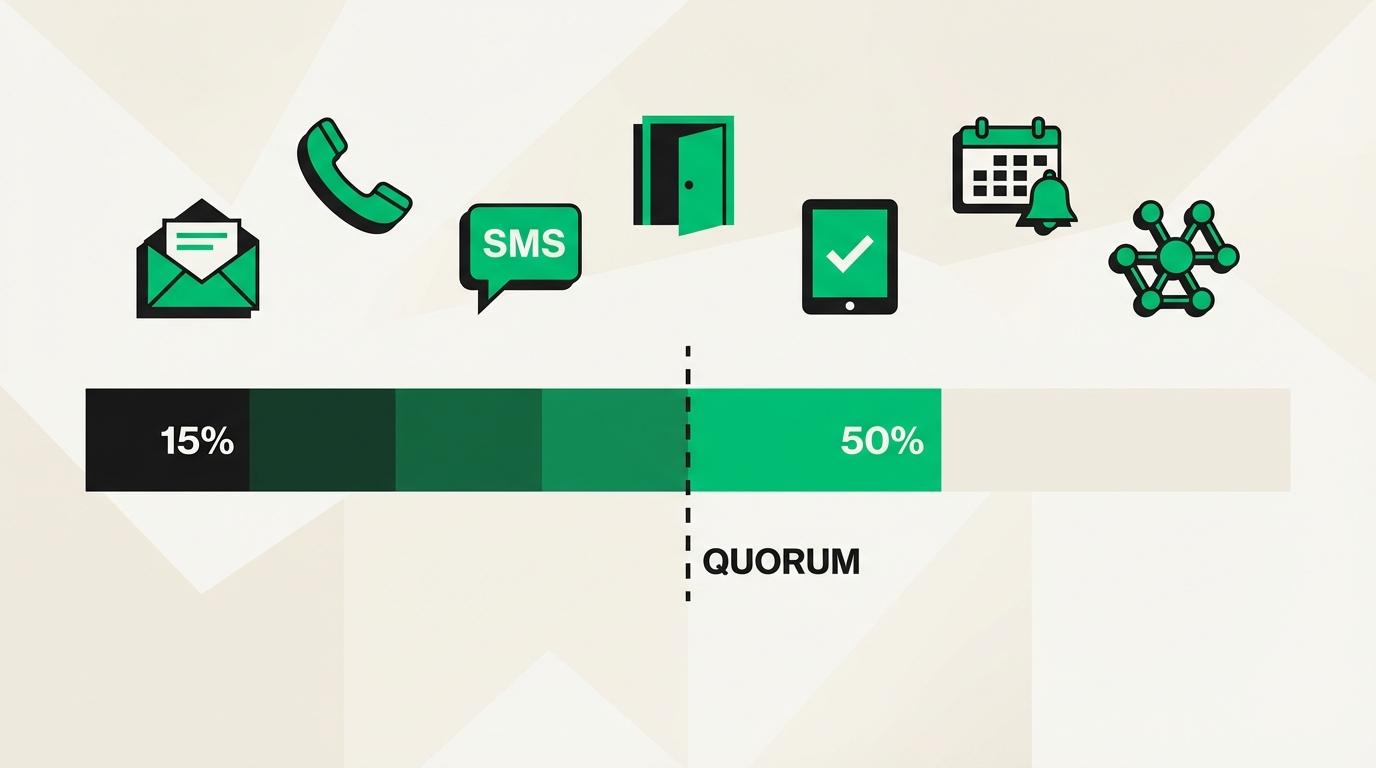
The results speak for themselves: the average in-person HOA meeting draws 15-20% attendance, while most governing documents require 51% for quorum. That math doesn't work.
Online elections solve this by letting members vote from any device, on their own schedule, within a defined voting window. Organizations that switch to digital voting consistently report 45-65% participation rates, often reaching quorum for the first time in years.
This guide walks through every step of running a legitimate online election, whether you're a first-time election administrator or modernizing an established process.
Step 1: Define the Election Scope
Before touching any software, answer these questions:
What are you voting on?
- Board member elections (single-winner or multi-seat)
- Bylaw amendments (yes/no or multiple options)
- Budget approvals
- Special assessments
- Policy changes
Who is eligible to vote?
- All members in good standing
- Only property owners (not renters)
- One vote per unit/household, or one vote per member
- Weighted voting (by ownership percentage or shares)
What are your governing document requirements?
- Quorum threshold (commonly 20-51% of eligible voters)
- Voting method restrictions (does your charter require secret ballot?)
- Notice requirements (typically 10-30 days before the election)
- Whether electronic voting is explicitly authorized
What verification level is appropriate?
- Informal polls: email verification is sufficient
- Board elections: phone or email verification recommended
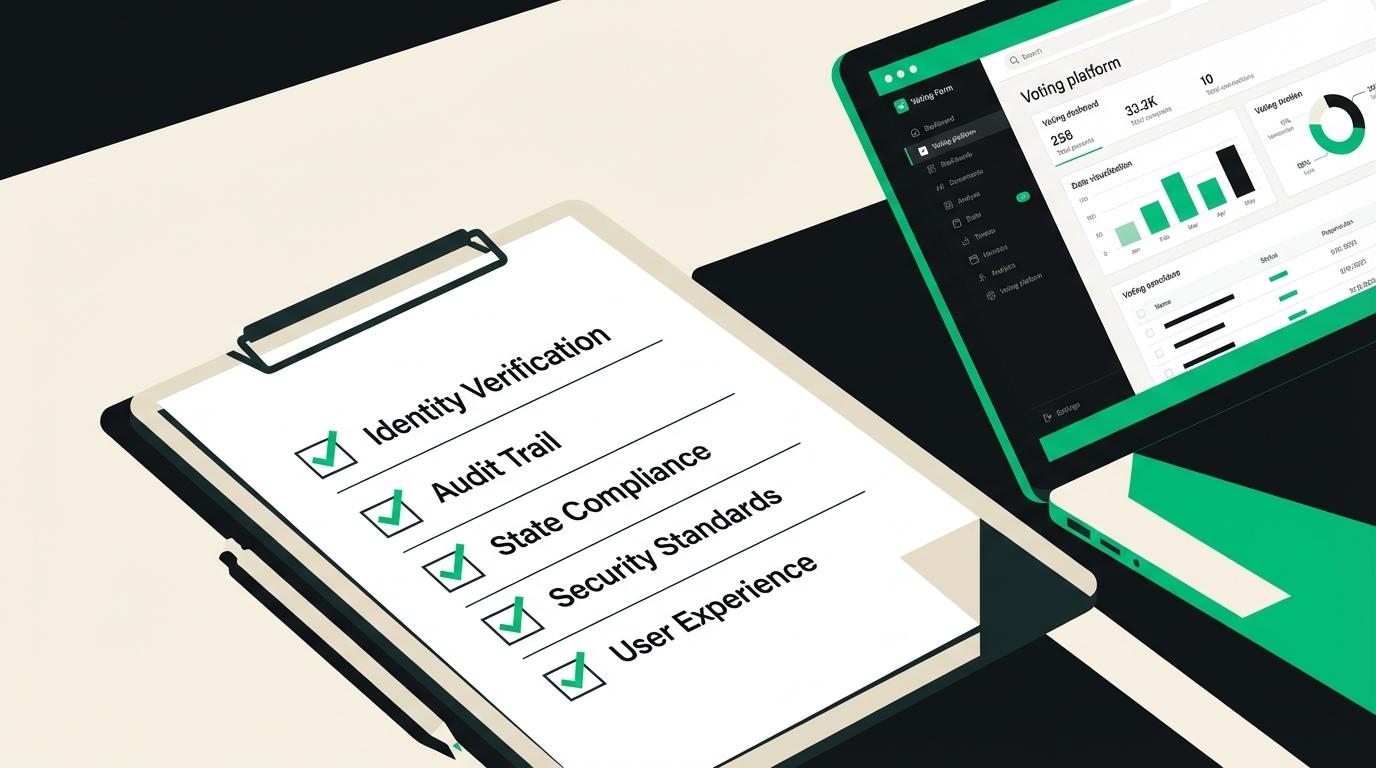
- High-stakes votes (assessments, bylaw changes): government ID verification provides the strongest legal defense
| Election Type | Recommended Verification | Typical Cost |
|---|---|---|
| Community polls | Email OTP | Included in flat rate |
| Board elections | Email or SMS OTP | Included in flat rate |
| Special assessments | Government ID | Flat rate + $3.00/voter |
| Bylaw amendments | Email or SMS OTP | Included in flat rate |
Step 2: Build Your Voter Roll
The voter roll is the list of every eligible voter. This is the foundation of election integrity: if the roll is wrong, the results are challengeable.
What you need for each voter:
- Full name
- Email address (required for digital delivery)
- Phone number (if using SMS verification)
- Unit/lot number or member ID (for matching to governing documents)
- Voting weight (if applicable)
- Physical address (if sending mail-in ballots to non-digital voters)
Best practice: Export your member database or roster, remove ineligible members (delinquent dues, transferred ownership), and verify email addresses are current. On vote.direct, you upload this as a CSV file with columns mapped to the required fields.
Common mistakes to avoid:
- Including former members who sold their unit
- Missing new owners who purchased recently
- Using outdated email addresses that will bounce
- Forgetting to apply voting weights for associations with unequal ownership shares
Step 3: Design the Ballot
A well-designed ballot minimizes confusion and reduces challenges after the vote.
Ballot structure:
- 1Title: Clear description of what's being decided
- 2Context: Brief explanation or background (especially for bylaw amendments, include the exact proposed language)
- 3Options: Candidates or choices, presented in randomized or alphabetical order
- 4Instructions: How many selections are allowed (e.g., "Select up to 3 candidates")
Question types available on most platforms:
- Single choice: Pick one option (yes/no, candidate selection)
- Multiple choice: Select multiple options up to a limit (multi-seat elections)
- Ranked choice: Rank options in order of preference (instant runoff voting)
- Approval voting: Approve or disapprove each option independently
Design tips:
- Use candidate statements (150-300 words each) for board elections
- Include "Abstain" as an explicit option if your bylaws allow it
- For bylaw amendments, show the current language and proposed language side by side
- Keep ballot instructions simple: assume voters have never used the platform before
Step 4: Set the Voting Window
The voting window is the period during which voters can cast ballots. This is one of the biggest advantages of online voting: instead of a single meeting time, voters get days or weeks.
Recommended windows:
- Board elections: 5-14 days
- Bylaw amendments: 7-21 days
- Quick polls: 2-5 days
- Annual meeting votes: Open the ballot 7-14 days before the meeting, close at the end of the meeting
Timing considerations:
- Send the initial ballot notification at the start of the window
- Schedule reminder emails at 50% and 25% of remaining time
- Send a final reminder 24-48 hours before closing
- Consider time zones if your membership spans multiple regions
- Avoid opening votes during major holidays
Quorum tracking: Platforms like vote.direct show real-time participation rates so you can see whether you're on track to reach quorum and send additional reminders if needed.
Honest question
Would you trust an online vote to decide your community's annual budget?
Step 5: Distribute Ballots and Verify Voters
Ballot distribution is where online voting differs most from traditional methods. Instead of handing out paper at a meeting, you send secure, individualized voting links.
How digital ballot distribution works:
- 1The platform generates a unique, single-use voting link for each eligible voter
- 2Links are sent via email (and optionally SMS)
- 3When a voter clicks their link, they verify their identity before accessing the ballot
- 4After submitting their vote, the link is deactivated, preventing double voting
Verification methods (choose based on stakes):
- Email one-time passcode (OTP): Voter enters a 6-digit code sent to their registered email. Fast, familiar, and sufficient for most elections. Included in flat rate.
- SMS one-time passcode: Code sent via text message. Stronger than email because phone numbers are harder to share. Included in flat rate.
- Assisted government-ID verification: the assisted check reads a government-issued document and, when configured, compares a selfie with the document photo. It adds identity evidence but does not prove membership or legal eligibility. Cost: $3.00/checked voter when arranged.
Reaching non-digital voters:
Not everyone has email. For these members, vote.direct supports physical mail-in ballots with unique PINs. The ballot is printed, mailed via USPS with delivery tracking, and the voter returns it or enters their PIN online. Cost: $3.00 per ballot.
Step 6: Monitor the Election
Once voting is open, the administrator dashboard becomes your command center.
What to monitor:
- Participation rate: Are you on track for quorum?
- Bounce rate: Did any ballot emails fail to deliver?
- Verification failures: Are voters having trouble verifying their identity?
- Time distribution: When are most votes being cast? (Useful for timing reminders)
Administrator actions during voting:
- Send reminder notifications to voters who haven't participated
- Extend the voting window if quorum isn't met (check bylaws for rules on extensions)
- Resend ballot links to voters who report not receiving them
- Answer voter questions about the ballot or process
What you should NOT do:
- View individual votes before the election closes (this should be technically impossible on a good platform)
- Share partial results during voting (this can influence remaining voters)
- Change the ballot after voting has started
Step 7: Close the Election and Count Votes
When the voting window closes, the platform automatically stops accepting ballots and tallies results.
For standard elections (single choice, multiple choice):
- Results are instant: no counting delay
- Totals are calculated automatically with zero human error
- Results include total votes cast, votes per option, participation rate, and quorum status
For ranked choice elections:
- The platform runs instant-runoff elimination rounds automatically
- Each round eliminates the lowest-performing candidate and redistributes their votes
- Results show the full elimination sequence for transparency
What a complete results package should include:
- Total eligible voters
- Total votes cast (participation rate)
- Quorum status (met or not met)
- Vote totals for each option
- Timestamp of election open and close
- Verification method used
- Audit trail (anonymized record of each verified vote event)
Step 8: Certify and Archive Results
The election isn't over when votes are counted. Proper certification protects against future challenges.
Certification steps:
- 1Review the results report for accuracy
- 2Confirm quorum was met
- 3Have the board secretary or election committee chair sign the results
- 4Distribute results to all members (required by many state statutes within 15-30 days)
- 5Archive the complete election record: ballot, voter roll, results, and audit trail
Archive duration: Most state HOA statutes require election records be retained for at least 7 years. Some states require permanent retention. Digital platforms store records indefinitely, eliminating the filing cabinet problem.
Legal defensibility: If an election is challenged, the audit trail is your primary defense. A properly conducted digital election produces:
- Timestamped verification of every voter's identity
- Cryptographic proof that no ballots were altered after submission
- Complete chain of custody from ballot creation to result certification
- Evidence that the voting window and notice requirements were met
Common Mistakes That Lead to Challenged Elections
| Mistake | Consequence | Prevention |
|---|---|---|
| Incomplete voter roll | Eligible members excluded | Cross-reference with ownership records |
| Insufficient notice | Election voidable under state law | Send notice 30+ days early |
| No identity verification | Anyone could vote | Use at least email OTP |
| Sharing partial results | Undue influence on remaining voters | Keep results sealed until close |
| No audit trail | Cannot defend against challenges | Use platform with built-in audit logs |
| Missing quorum | Results are non-binding | Track participation and send reminders |
Getting Started
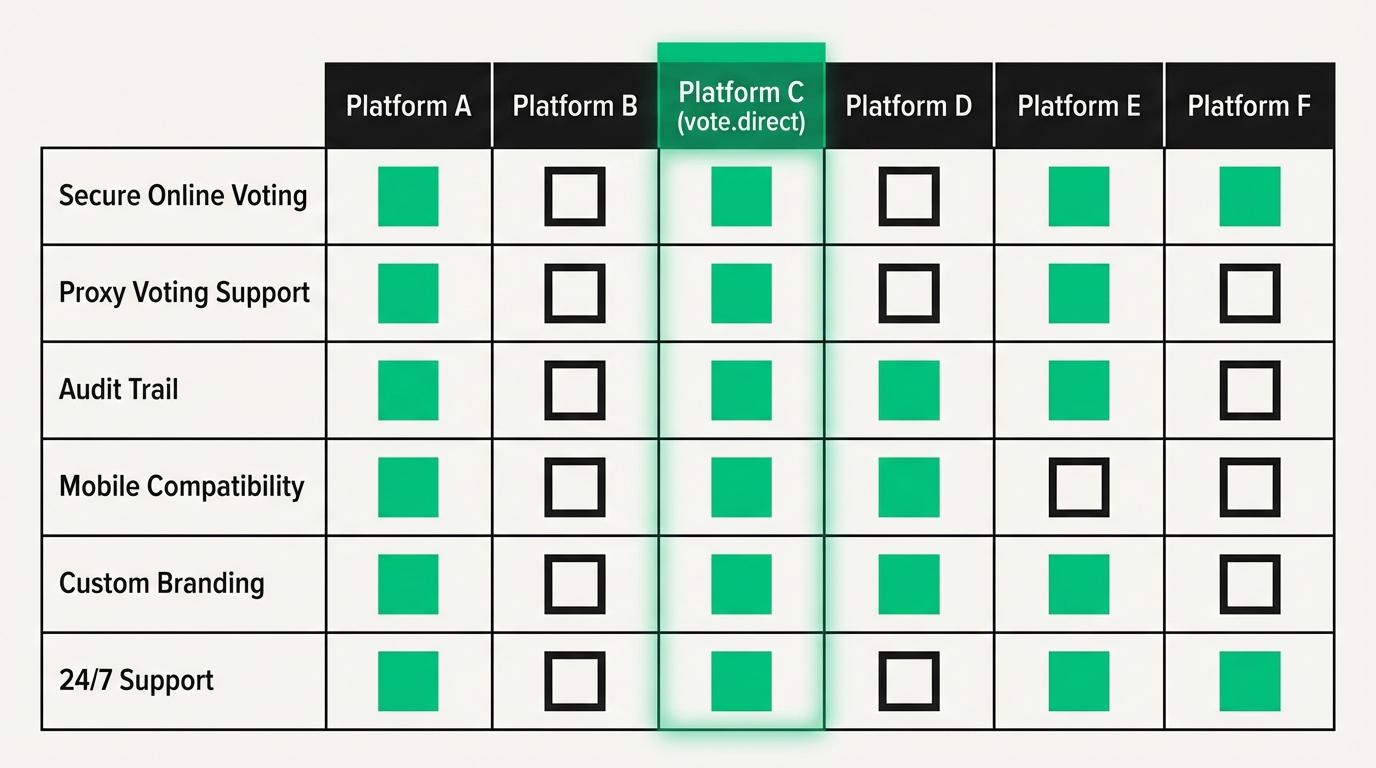
Running an online election is straightforward with the right platform. Vote.direct handles voter verification, ballot delivery, real-time monitoring, and result certification, so you can focus on governance, not logistics.
- 1Create your election at vote.direct/create
- 2Upload your voter roster (CSV with names, emails, and optional weights)
- 3Design your ballot with the questions and options
- 4Set the voting window and verification level
- 5Launch: voters receive individualized ballot links immediately
Elections start at $4.99 per election (flat rate for 26–50 voters, email + SMS included), with no setup fees required.
This article is general information, not legal advice. We recommend you do your own research and confirm anything you plan to act on. Where this article states law, the section is cited so you can read the primary source yourself rather than take our word for it. That is what the citations are for. Election requirements also turn on your own governing documents, which we have not seen, and statutes are amended. For advice about your community, consult a qualified attorney licensed in your state.
We work hard to verify every citation against the primary source, but laws change and errors happen. If you spot an inaccuracy, email support@vote.direct and we will correct it. See our editorial standards for how these pages are researched and checked.